Table of Contents
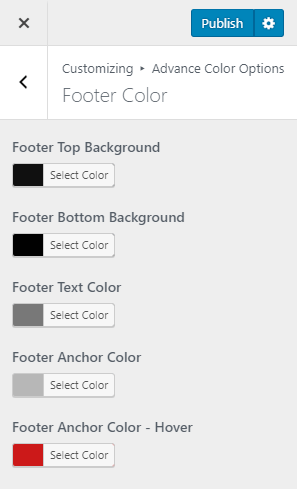
- Go to Appearance > Customize > Advance Color > Options > Footer Color.
- There you’ll find following options.
-
Footer Top Color #
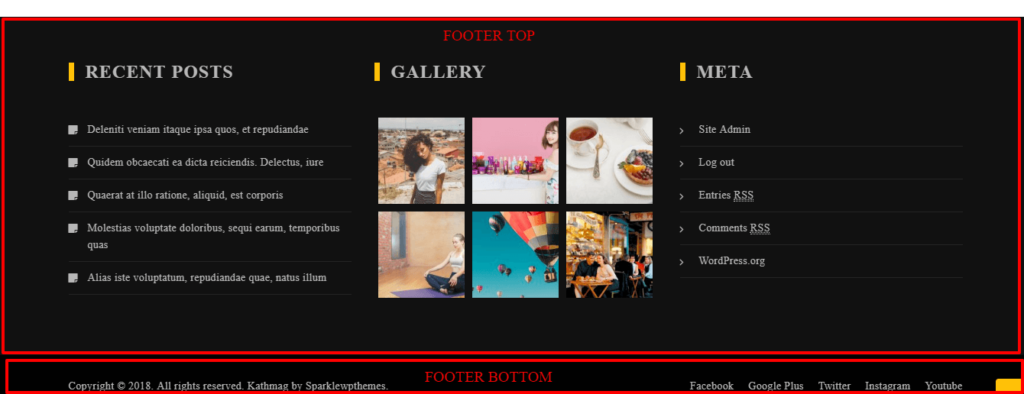
This option lets you to set background color of top footer (Footer Widget Area).
-
Footer Bottom Color #
This option lets you to set background color of bottom footer (Copyright Text & Footer Menu).
-
Footer Text Color #
This option lets you to set color of footer font color.
-
Footer Anchor Color #
This option lets you to set color of link text of footer.
-
Footer Anchor Color – Hover #
This option lets you to set color of link text on hover.
-
- Click on Publish to save the settings.