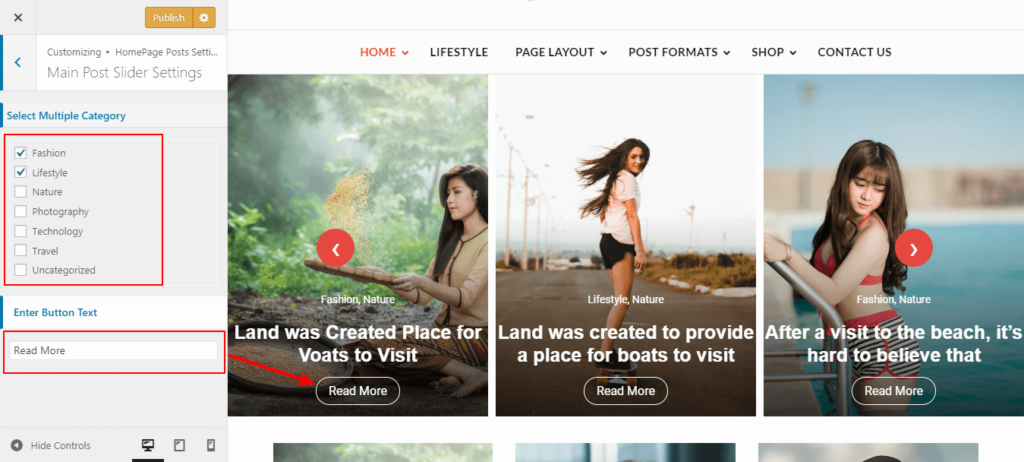
- Log into your WordPress site and opens the Administration Panel.
- Go to Dashboard > Appearance > Customize > Main Slider Posts Setting.
- Enable Option To Display Banner Slider.
- Select Banner Slider Layout According To Your Need.
- Select Width Of Slider.
- Select Slider Posts Options To Display Slider.
- Select Posts By Category Option For Specific Slider Posts And Select Post Category Or Select Option All Post For All Post.
- Enter Number Of Slider Posts To Display.
- Enter Read More Button Text.
- Select Post Information Position As You Want.
- Select Post Slider Arrow Layout.
- Click On Pulish.