Table of Contents
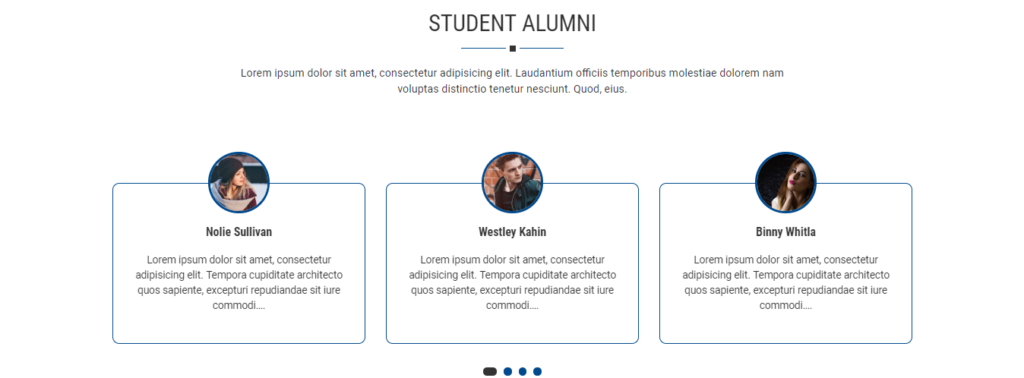
Configure Our Testimonial Settings #
- Log into your WordPress site and opens the Administration Panel.
- Go to Appearance > Customize > HomePage Section Area > Our Testimonial Settings
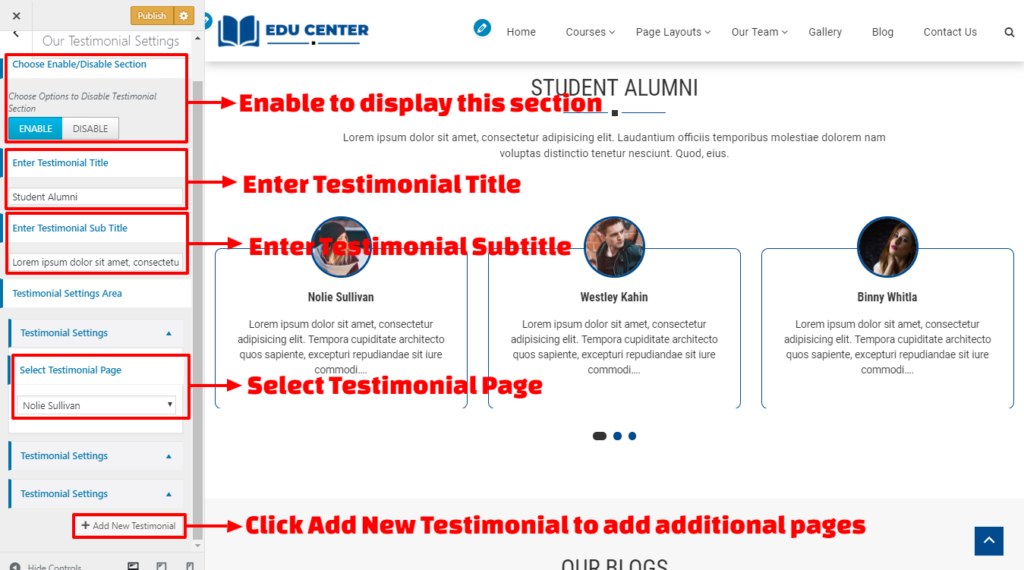
- Enable to Display Testimonial Section Area
- Enter Testimonial Section Title & Testimonial Subtitle
- Select Testimonial Page
- Click on Add New Testimonial to Add Additional Pages in this Section.
- Click on Publish.