
Table of Contents
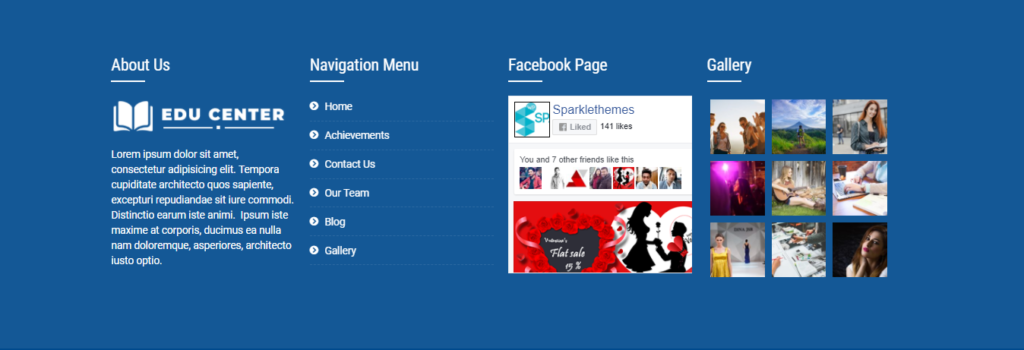
Configure Footer Widget Area #
- Log into your WordPress site and opens the Administration Panel.
- Go to Dashboard > Appearance > Widget
- Drag & Drop Available Widget to the Footer Widget area as your need

Configure Sidebar Layout #
- Log into your WordPress site and opens the Administration Panel.
- Go to Dashboard > Appearance > Widget
- Drag & Drop Available Widget to the Right Sidebar Widget Area & Left Sidebar Widget Area as your need


